Education
Pick up where the learner stopped.
Use course, lesson and progress records to write a next step that fits the learner’s actual place in the course.
A learner started a course but has stopped progressing.
Start with the customer situation. Give your agent a clear goal and the records it needs.
Find learners who have not completed their current lesson after the period we define. Prepare an encouraging email with the next recorded step and the approved learning resource.
The work behind that message.
Connect the context.
- Learners and course enrollment
- Courses, modules and lessons
- Progress and completion events
Compute the useful field.
The latest completed lesson, remaining progress and time since the last learning activity.
Choose the next step.
Check whether the learner has moved on before sending the reminder. Keep cohort context separate from personal progress.
Build the journey around a recorded milestone.
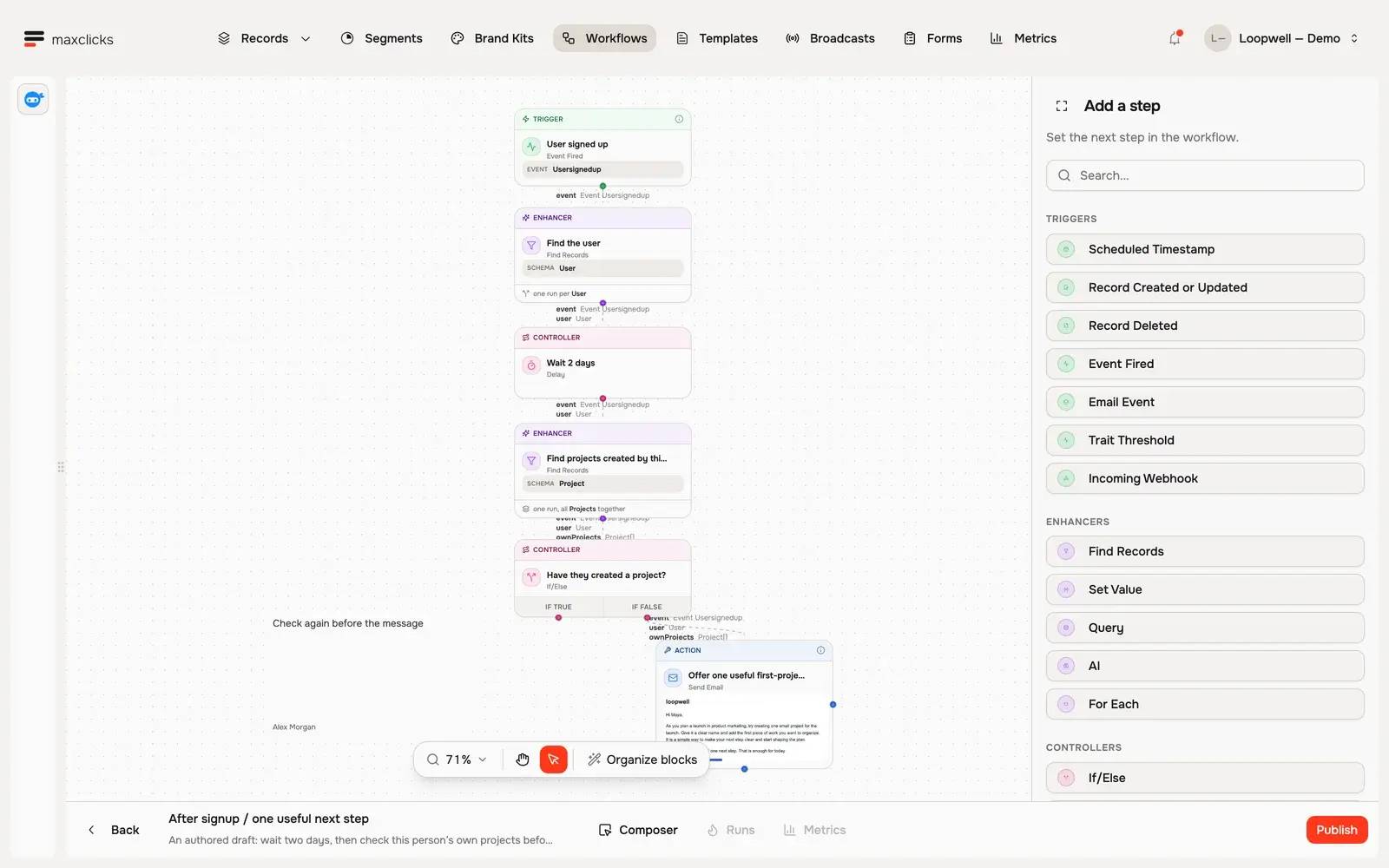
The Loopwell demo shows an event, wait, activity check and follow-up branch. The same workflow controls can use your own course and progress schemas.
Walkthrough steps
Inspect the draft signup workflow. Open the Usersignedup trigger, two-day delay, condition checking this user’s own projects, and email step. The true branch ends the follow-up; the false branch continues. The tour does not publish or run this draft.
Build the moments around it.
Welcome each enrollment.
Connect the learner to the course and show where to start.
Resume an unfinished lesson.
Wait after inactivity, then check current completion before following up.
Recognize real progress.
Let completion events trigger a message about the milestone actually recorded.
Bring us the journey you want to improve.
We’ll map the records, the audience and the message with you, then show the actual product controls.