Customers, orders, subscriptions and events give maxinja something concrete to work with. Ask about that data, describe useful calculations, and let the onboarding agent help build your initial model.
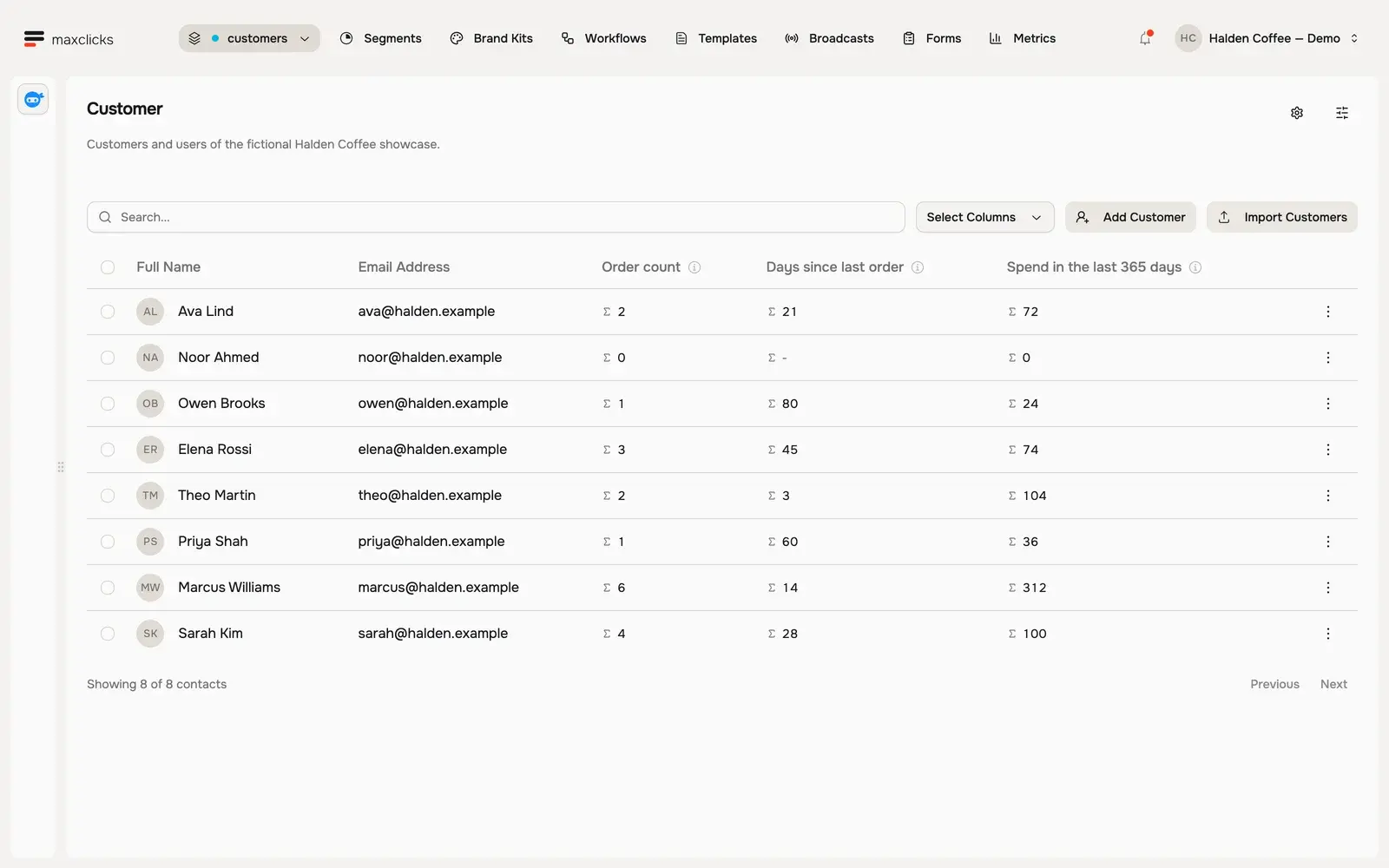
Halden demo · Order counts, recency and spend evaluated from each customer’s purchase records.Walkthrough steps
Inspect the eight fictional Halden customers and their computed order fields. Open Sarah’s order-count explanation, wait for the actual query to return four, then open her contact profile and preferences. No record is edited.
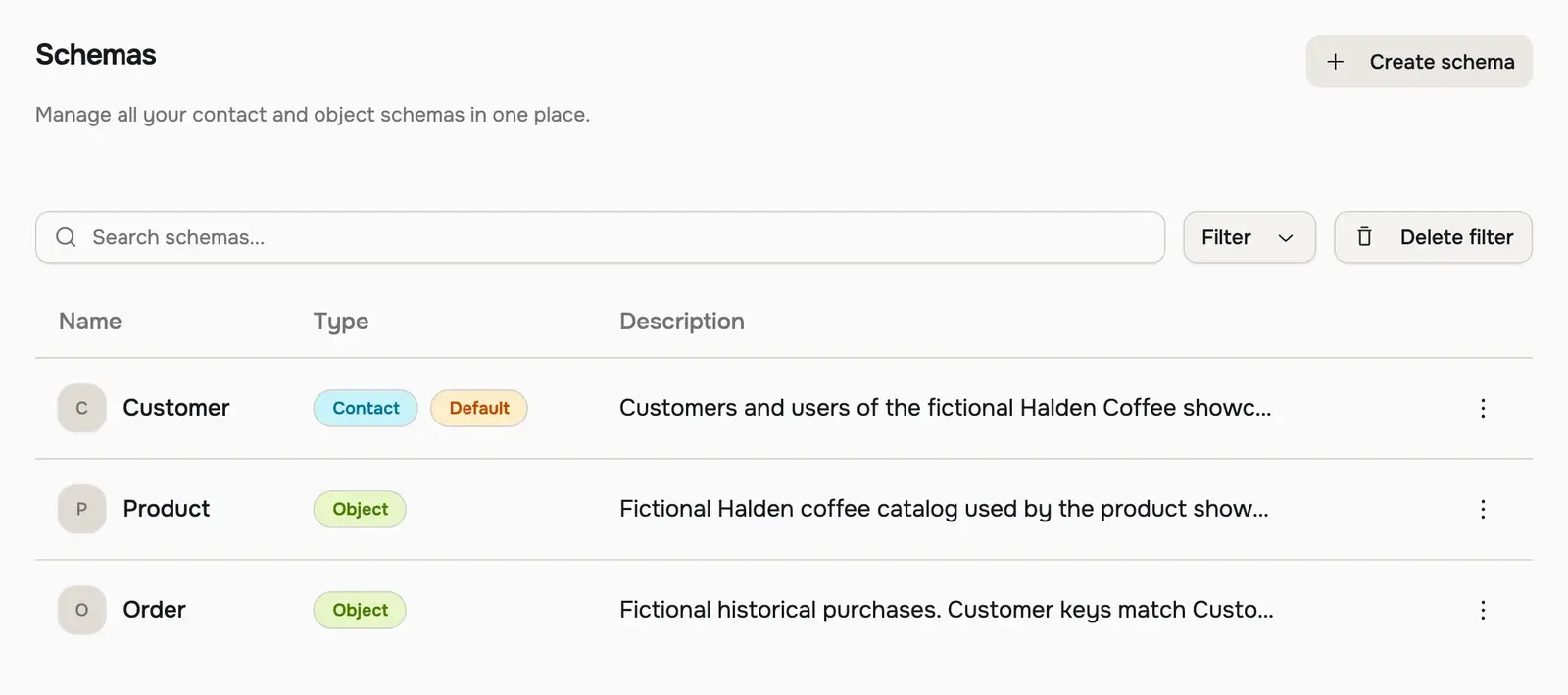
Halden demo · Customers, products and orders have separate schemas; Customer is the default contact type.
Ask the question behind the campaign.
maxinja can investigate workspace data through read-only queries. Ask which records support a customer decision, then use that context when directing the broadcast or workflow agent.
Describe the field your agents need.
Ask maxinja to define an evaluated attribute, such as annual spend or a related subscription. Its generated definition turns your data into reusable context for audience conditions and email.
Let onboarding prepare the foundation.
While initial setup is incomplete, the onboarding agent can create schemas and attributes, propose a CSV mapping and show sample rows before import. REST and CSV remain explicit intake paths; data does not appear simply because an agent needs it.
In practice
Turn business records into usable customer context.
Agents work from the records and definitions in your workspace. Describe the missing calculation or initial data model, then inspect the fields and values they produce.
You bring
Contact details, related orders or subscriptions, and defined business events with the fields your source can supply.
You do
During setup, ask maxinja to prepare schemas and an import mapping. For ongoing work, ask about records or generate evaluated fields in their schema context.
You get
An inspectable customer model with stored facts and configured calculated values that can be selected for an audience or email.
Illustrative example · Halden Coffee
Calculate a customer’s annual spend.
The starting context
Customer
Sarah · customer key halden-sarah
Related records
4 orders in the selected 365-day window
Order amounts
$24 + $26 + $28 + $22
Relationship
Each order references halden-sarah
The task
Define total spend over the last 365 days by summing this customer’s related order amounts. Use the order date to select the window.
The result to inspect
Illustrative evaluated value: $100. Include the configured field in an audience rule or select it as email context. The result depends on the supplied orders and the reviewed definition.
Three ways to represent your business.
Contact schemas describe the people you message. Object schemas describe related things such as orders, accounts and subscriptions. Event schemas describe occurrences such as a purchase or plan change. Use explicit identifiers and fields so those pieces can be related.
Stored and evaluated attributes do different jobs.
Stored attributes hold saved text, numbers, dates and other typed values. Evaluated attributes apply generated logic to calculate a value or resolve a relationship when requested. Describe the calculation in plain language and inspect its behavior with representative records; you do not author arbitrary calculation code in the field editor.
Background calculations have a refresh cadence.
Configured event-based aggregates can maintain counts, sums and latest values over chosen windows. These refresh asynchronously. Consider their source and freshness when using them in a decision; they are distinct from evaluated attributes calculated when selected.
Control the contract and check the result.
Use REST or CSV for intake. Conventional CSV imports match existing field keys; the onboarding assistant can propose a mapping and sample rows first. Review accepted values and warnings for undeclared fields. Evaluated values appear where you request their expansion, not automatically in every API or webhook response.